
Mechanical
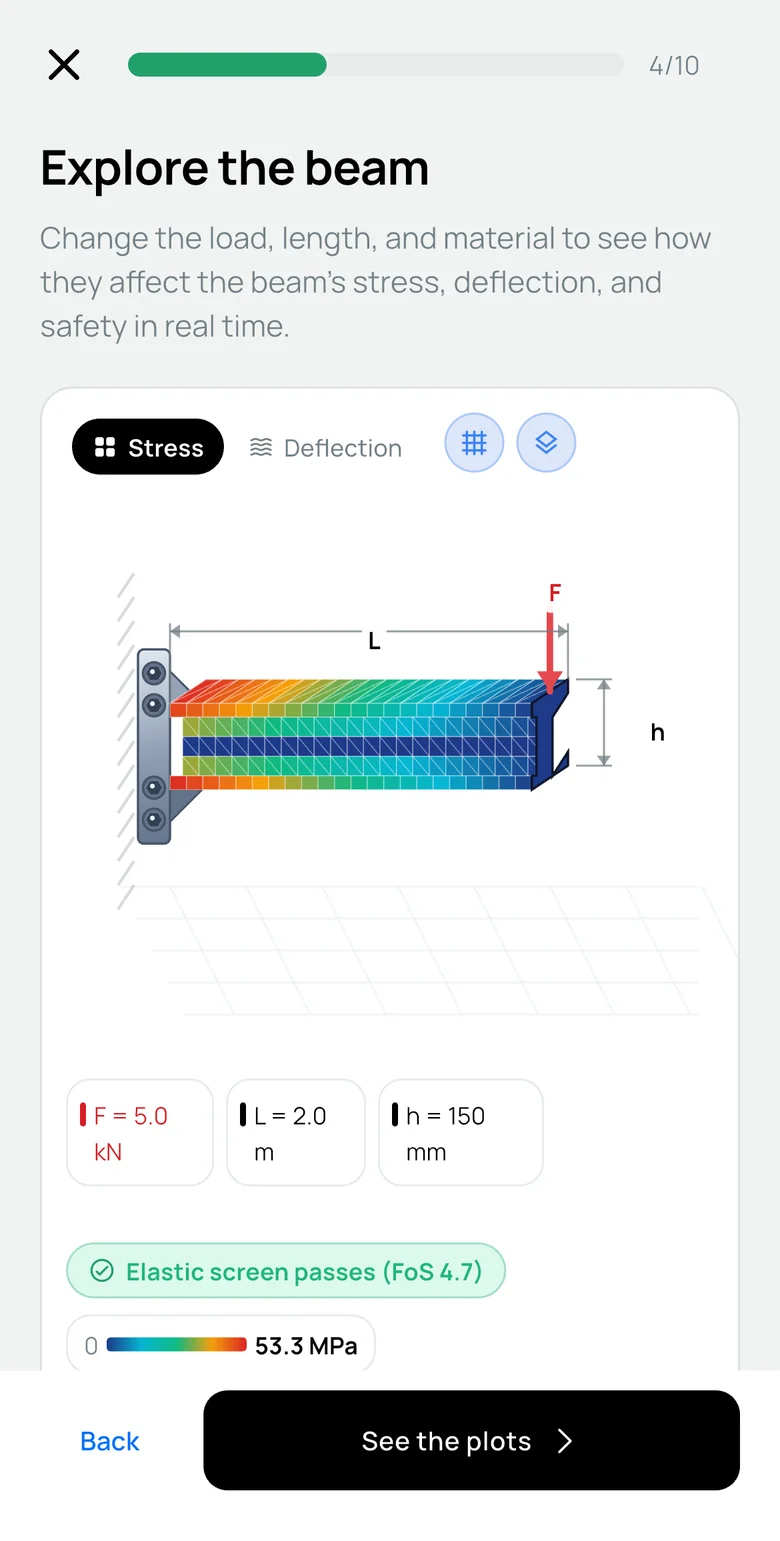
See what the maths means. Think it through. Make it work.
Visual lessons, guided practice and real engineering applications.
The Concepts iPhone app · Built for university engineering students
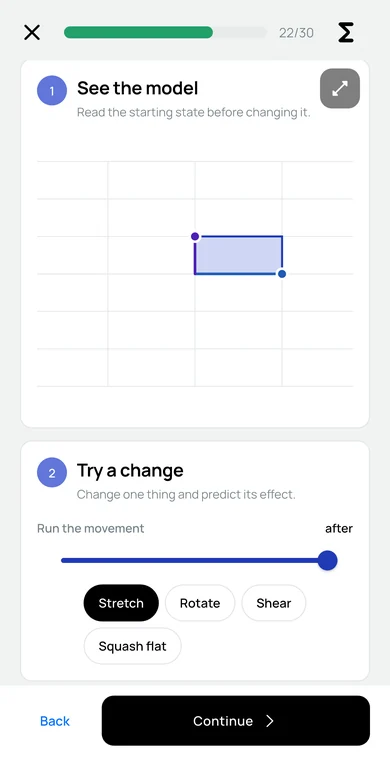
Move a shape. Follow a curve. Predict what happens next. The notation starts to mean something.
Real screens from Matrices & Linear Algebra.
Recognise the problem. Choose a method. Work through each step with a reason beside it.
See how practice works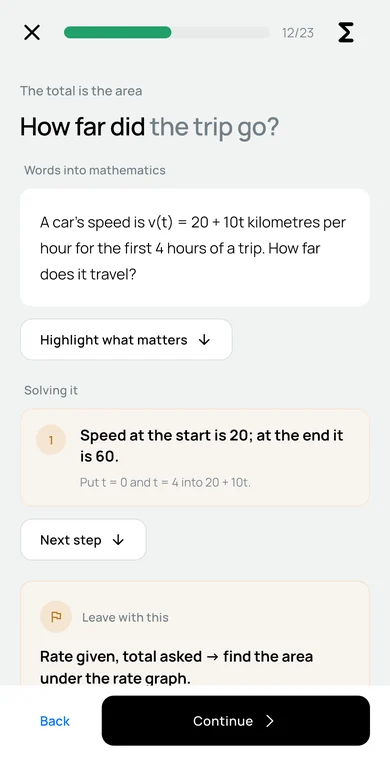
+40 Topics
The animation could not load. Try playing it again.
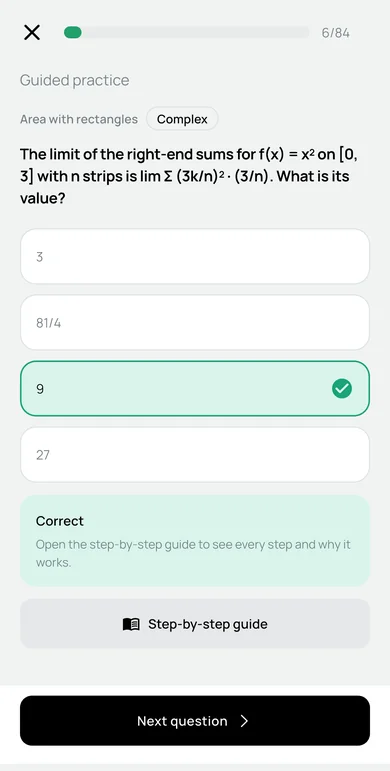
Build confidence with guided questions. Solve independently. Return later to see what you remember.
1,239 guided questions with step-by-step help.
2,289 constructed mastery problems for producing answers and making method decisions.
401 mixed mastery-check problems without hints during the check.
Six exam-style papers with 21 questions and 71 marking checkpoints. These include authored model questions, with instructional marking.
Lesson completion, hint use, independent answers and delayed recall count differently. Due review brings ideas back.
Explore individual ideas, or work through a complete module.
Regional pathways help order your learning. Exact university syllabus coverage varies.
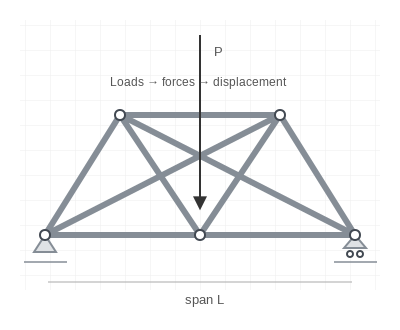
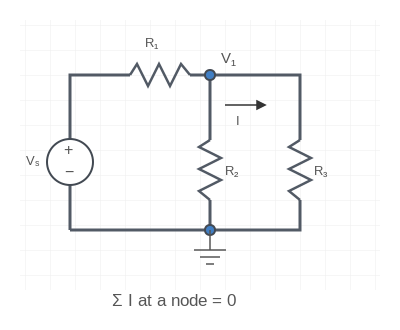
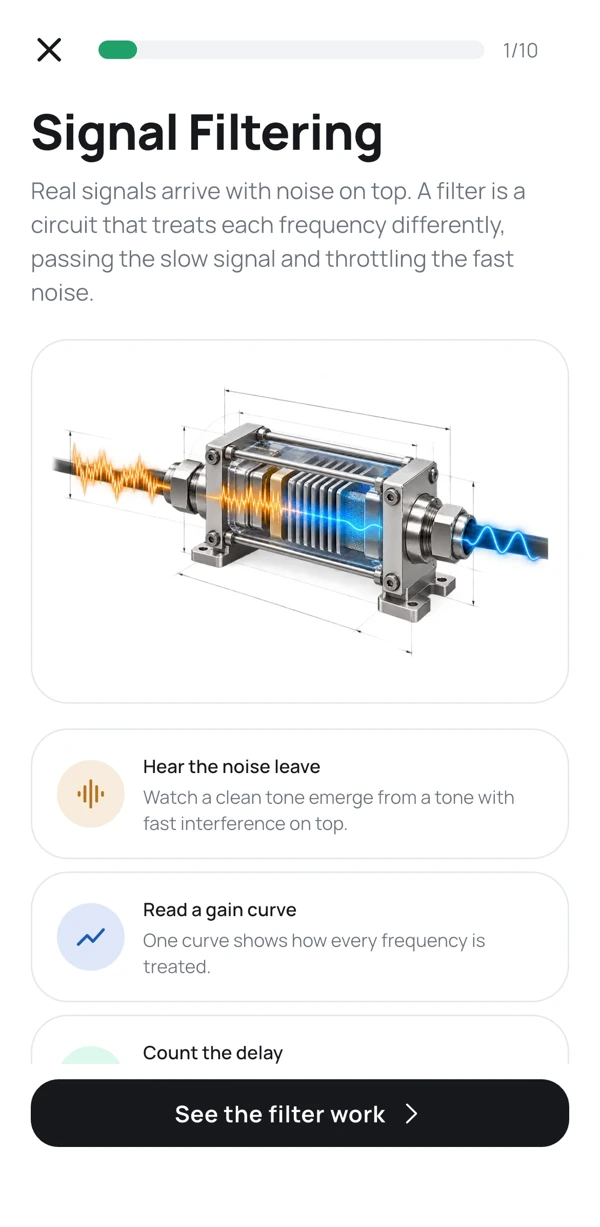
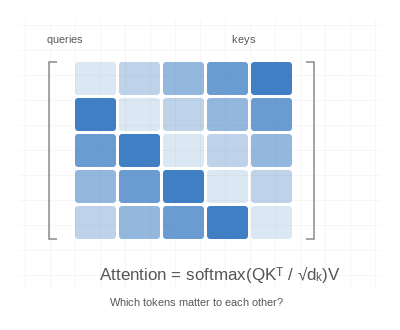
101 topics across six engineering streams, plus 40 additional Civil flows.
Plus 19 design challenges across six maths modules.
Concepts is a visual mathematics learning app built for engineering students. It helps you understand the ideas behind equations, solve problems with confidence, and discover how mathematics works in real engineering. Whether you’re starting from the basics or exploring advanced topics, you can learn at your own pace.
Concepts makes mathematics something you can explore, not just read or watch. Interact with visual explanations, change variables, observe what happens, and discover why equations work. Each concept connects understanding with guided practice and real-world applications.
Explore 14 mathematics modules, including Linear Algebra, Calculus, Differential Equations, Probability, Statistics, Numerical Methods, and more. Start with the fundamentals, explore individual topics, or follow a structured learning path.
Concepts covers mathematical ideas commonly taught across engineering programmes. Choose your engineering stream to explore relevant topics and applications. It’s designed to complement your university lectures and textbooks, although the order and coverage may differ from your specific syllabus.
That’s a good reason to start. Concepts helps you build understanding from the ground up, using visual explanations, intuitive examples, and step-by-step practice. You can revisit ideas, learn at your own pace, and gradually work towards more challenging problems.
Learning doesn’t stop at understanding an explanation. Concepts guides you through problems, explains the reasoning behind each step, and gives you opportunities to solve questions independently. Practice and progress tracking help you identify what you’ve understood and what needs another look.
Yes. Explore applications across Mechanical, Civil, Electrical, Electronics, Computer Science, and Aeronautical Engineering. See how mathematical ideas help explain structures, circuits, machines, signals, algorithms, and other engineering systems.
You can begin with Matrices & Linear Algebra for free. Additional modules can be unlocked with a subscription or by inviting 10 friends. You can also explore an interactive concept on our website to experience how Concepts teaches.
No. Concepts is a structured, concept-first learning experience. Rather than simply giving you answers, it helps you understand the reasoning, explore the mathematics visually, and develop the confidence to solve problems yourself.
Concepts is designed for learning on your phone, with a website where you can explore the experience. Visit concepts.school to try a concept and find the latest information about app availability.